

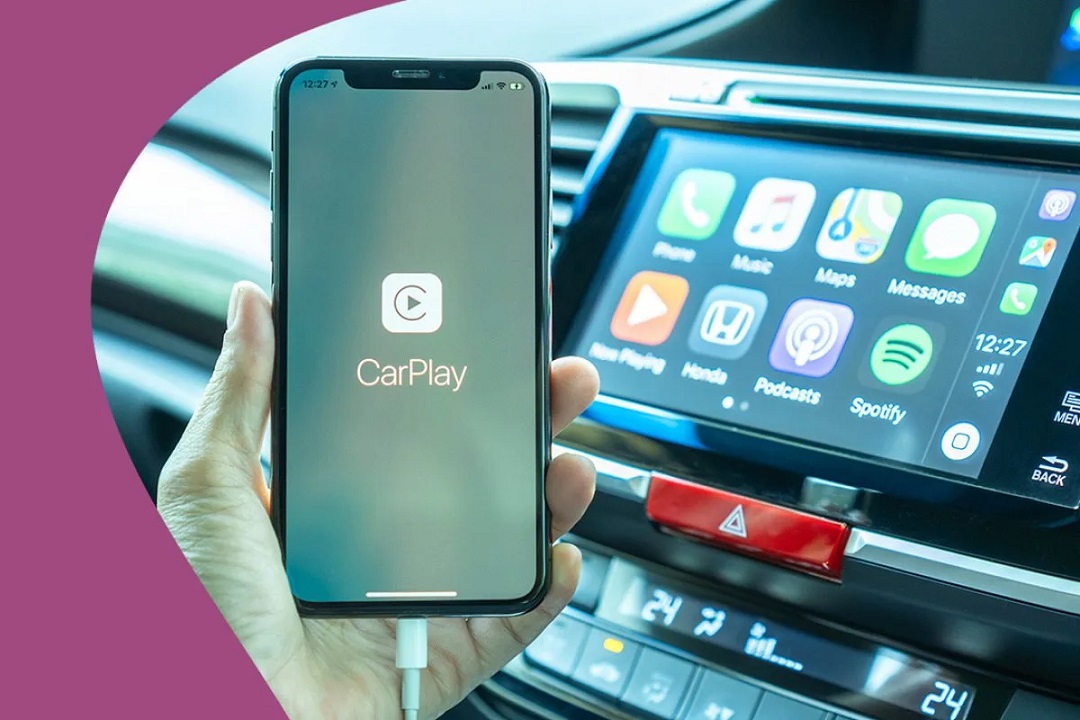
Apple’s CarPlay has transformed the in-car experience since its introduction. By seamlessly integrating iPhone features into the vehicle’s infotainment system, CarPlay has made driving safer, more connected, and far more convenient. Yet, despite its growing popularity and incremental upgrades over the years, certain limitations persisted — until now.
iOS 26, Apple has introduced significant CarPlay enhancements that directly tackle long-standing user frustrations. For many, these improvements are not just incremental; they represent a true turning point in how we interact with CarPlay and, by extension, our vehicles.
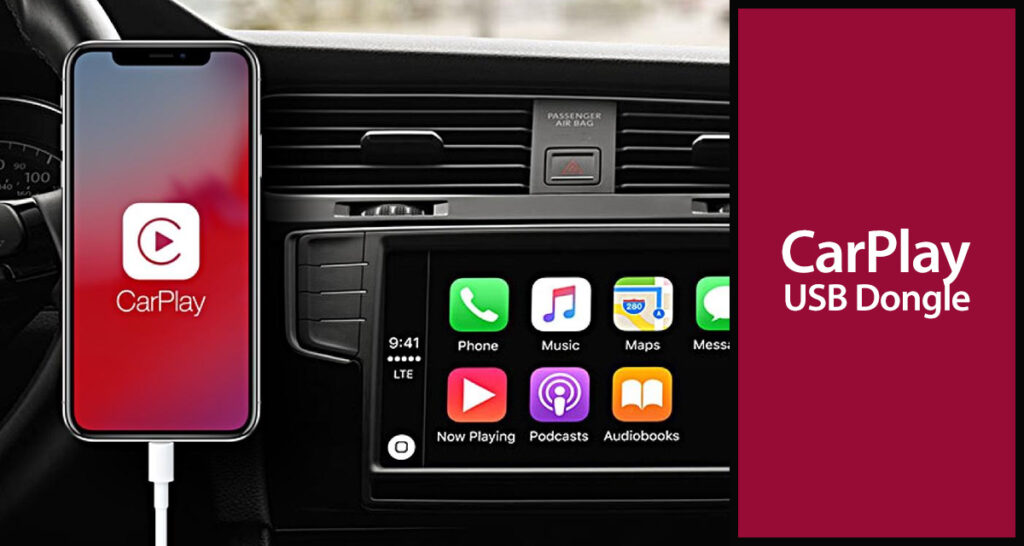
Historical Limitations in CarPlay Experience
Fragmented Vehicle Integration
One of the most criticized limitations of previous CarPlay versions was its limited integration with vehicle controls and displays. While CarPlay could mirror apps, music, maps, and phone calls onto the infotainment system, it left many native vehicle functions — such as climate controls, fuel metrics, and camera systems — siloed outside the CarPlay experience. This led to a fragmented interface where drivers had to switch between CarPlay and the vehicle’s native software for even basic functions.
Minimal Instrument Cluster Access
Another consistent gripe was the lack of CarPlay functionality in the instrument cluster behind the steering wheel. Though some luxury automakers offered limited mapping and navigation prompts in that area, CarPlay did not fully extend to this display. As a result, valuable screen real estate was underutilized, and drivers missed out on a more cohesive interface.
Static User Interface
While Apple is known for its sleek, minimalist design, the CarPlay interface remained largely unchanged for years. Customization options were minimal, multi-tasking was limited, and third-party app integration felt heavily restricted. Power users seeking dynamic layouts or customizable widgets had little to celebrate in older iterations.
iOS 26: A Turning Point for CarPlay
Deep Vehicle Integration Through New API Partnerships
The most transformative update in iOS 26’s CarPlay is the deeper, system-level integration with vehicle hardware. Apple, for the first time, is opening up a sophisticated set of APIs to automakers, enabling CarPlay to access real-time data from the vehicle. This includes telemetry like fuel level, battery state, tire pressure, and even cabin climate settings.
Now, drivers can adjust air conditioning, check fuel efficiency, and monitor battery charge — all from within the CarPlay interface. These features no longer require toggling between the native car UI and CarPlay. Apple has clearly aimed to unify these experiences, effectively making CarPlay a central command hub for the entire vehicle.
Full-Screen Instrument Cluster Support
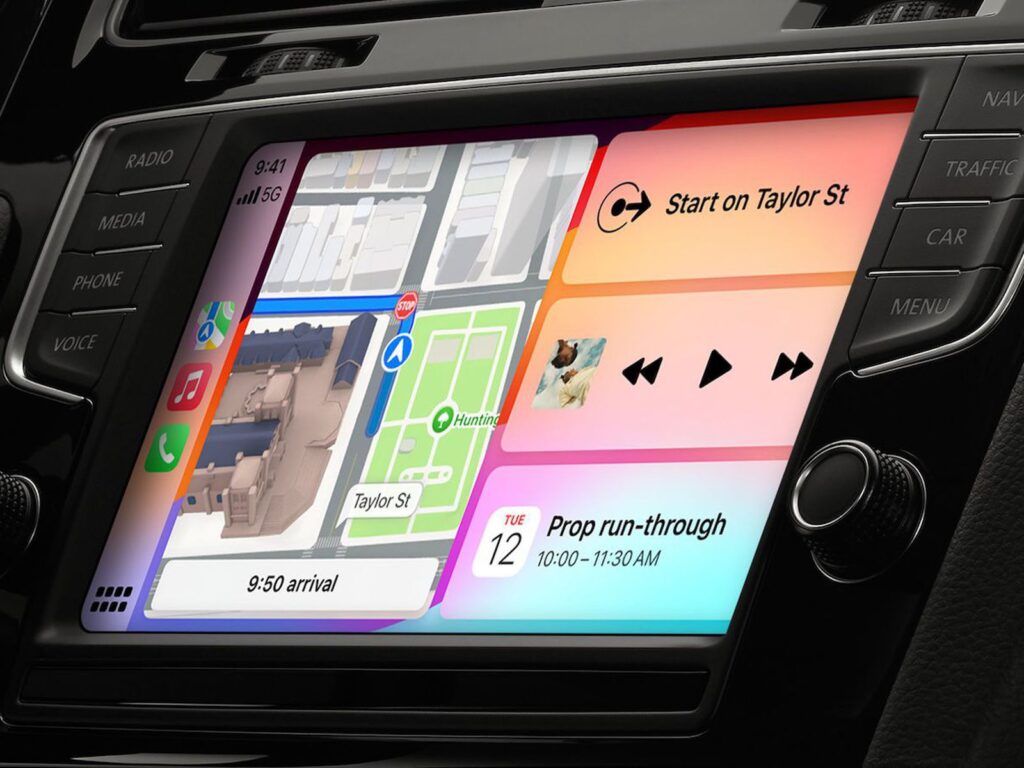
With iOS 26, CarPlay is no longer confined to the central infotainment screen. It now extends across multiple screens in the car, including the digital instrument cluster behind the steering wheel. This update supports customizable layouts that display maps, speed, navigation prompts, and turn-by-turn directions directly in front of the driver.
For vehicles equipped with digital dashboards, this marks a revolutionary leap. Drivers no longer need to glance sideways for vital information. Apple’s UI now dynamically adapts to screen size, orientation, and driver preferences, ensuring the safest and most intuitive experience yet.
Seamless UI Personalization and Widgets
Custom Dashboards and Multi-App Views
CarPlay in iOS 26 supports a much more flexible user interface. Drivers can now design custom dashboards that merge different functions. For instance, a single screen can display live navigation, music controls, and real-time weather widgets simultaneously.
This multi-app view significantly enhances situational awareness. Instead of jumping between apps, users can tailor their dashboard to show exactly what they need — all while minimizing distractions.
Contextual Widgets and Real-Time Updates
Widgets are finally intelligent in CarPlay. In iOS 26, they update in real time based on context. For example, when low on fuel, a widget might display nearby gas stations. During inclement weather, the dashboard can automatically expand the weather widget with alerts and driving tips.
This behavior mimics iOS on iPhones and iPads but is refined for the car environment. The result is a user interface that adapts to driving scenarios without overwhelming the user with notifications or irrelevant data.
Enhanced Navigation and Location Intelligence
Next-Level Turn-by-Turn Directions
Navigation in iOS 26 CarPlay has seen a significant upgrade, powered by Apple’s real-time rendering engine and tighter integration with vehicle sensors. Directions now display with better lane guidance, realistic junction views, and updated signage rendered in near-photorealistic 3D.
Additionally, the enhanced CarPlay can leverage vehicle sensors to assess road conditions and optimize routing. For example, in snowy weather, the system may suggest safer alternate routes and alert the driver of slippery road conditions ahead.
Integration with Third-Party Navigation Systems
Apple has also expanded its support for third-party navigation apps. With new developer frameworks, apps like Waze, TomTom, and others can now take full advantage of the advanced CarPlay layout — including dashboard widgets, multi-screen support, and cluster display integration.
This democratizes the driving experience and ensures users aren’t locked into Apple Maps if they prefer alternatives.
Smarter Siri and Voice Command Enhancements
More Natural Language Support
Siri’s voice assistant in CarPlay has become far more intelligent in iOS 26. Thanks to Apple’s improved on-device processing, Siri can now handle more natural language queries and execute multi-step commands.
A driver might say, “Navigate to the closest coffee shop, turn on seat heating, and play my morning playlist,” and Siri will execute all these tasks in a seamless sequence.
Expanded In-Car Function Controls
Siri can now control many more aspects of the vehicle. This includes windows, trunk release, interior lighting, and more — depending on manufacturer support. Apple has worked closely with automakers to ensure these voice-controlled features maintain privacy, reliability, and low latency
Improved Phone, Messaging, and Communication
Rich Messaging Interface
iOS 26 brings an overhauled messaging experience to CarPlay. Messages can now be displayed with clearer formatting, inline images, and suggested quick replies. Dictation is more accurate, and Apple’s neural engine can now suggest replies based on message content and prior user behavior.
Additionally, group messaging is fully supported with clearer identification of senders, read statuses, and conversation history — all presented in a distraction-free format.
Better Call Handling and Voicemail Transcription
Call quality has improved with support for spatial audio in compatible vehicles. CarPlay now also supports voicemail transcription, allowing drivers to read voicemails in real-time without listening — a critical enhancement for maintaining focus on the road.
Entertainment and Streaming Improvements
Deep Apple Music Integration
Apple Music has received a major UI overhaul inside CarPlay. The experience is now personalized with larger album art, smart playlists, and better recommendations based on time of day, driving behavior, and location.
The system also supports collaborative playlists and auto-generates road trip mixes, using geolocation and weather data to influence song selection — a playful yet deeply personalized feature.
Third-Party Audio and Podcast Apps
Spotify, Audible, Overcast, and other audio apps are also benefiting from iOS 26’s expanded CarPlay frameworks. These apps can now integrate widgets, respond to Siri commands, and present richer metadata in the CarPlay interface — including real-time lyrics, chapter skipping, and episode recommendations.
Next-Gen Safety and Privacy Features
Proactive Driver Safety Alerts
Using the car’s sensors and Apple’s real-time AI models, CarPlay in iOS 26 can proactively detect driver distraction and fatigue. The system may issue gentle reminders, suggest rest breaks, or limit screen interaction in risky situations.
This behavior aligns with Apple’s broader health and wellness initiatives, emphasizing not just connectivity, but driver safety as a core design principle.
Secure User Profiles and Data Isolation
Multiple driver profiles are now supported in iOS 26 CarPlay. Each profile retains its layout, preferences, app settings, and even Siri voice recognition. When a new user connects, CarPlay instantly adapts without requiring manual reconfiguration.
Apple has also introduced better data privacy by ensuring none of the user’s personal information — such as contacts, messages, or health data — is shared with the vehicle manufacturer or third-party systems. Everything remains encrypted and securely sandboxed.
Compatibility and Vehicle Manufacturer Support
Broad Manufacturer Adoption
At WWDC, Apple announced that several automakers — including BMW, Mercedes-Benz, Porsche, Ford, and Honda — will roll out vehicles compatible with iOS 26’s enhanced CarPlay experience beginning late 2025 and into 2026.
Each partner has committed to providing high-fidelity integrations that support all of Apple’s new APIs, multi-screen functionality, and deep system control.
Backward Compatibility and Limitations
Although the new CarPlay experience is designed for next-gen vehicles, Apple has stated that many UI improvements and Siri enhancements will still trickle down to older vehicles that support wired or wireless CarPlay. However, features like instrument cluster integration and vehicle telemetry access will be limited to newer models built on Apple’s embedded API standards.
Developer Opportunities and Ecosystem Expansion
CarPlay-Specific App Extensions
Apple has introduced a new developer kit specifically for CarPlay, enabling app creators to build experiences optimized for multi-screen layouts and vehicle telemetry. Developers can now design widgets that react to fuel status, vehicle speed, and even road conditions — with Apple enforcing strict safety and UX guidelines.
Expanding App Categories
New app categories are now eligible for CarPlay, including electric vehicle charging apps, parking apps, roadside assistance platforms, and more. This expansion will diversify the ecosystem and drive broader use cases beyond traditional music and maps.
FAQS
What are the major improvements in CarPlay with iOS 26?
iOS 26 introduces deeper vehicle integration, multi-screen support including the instrument cluster, customizable dashboards, smarter widgets, and expanded voice controls via Siri. It transforms CarPlay into a central hub for both infotainment and vehicle functions.
Can I use the new iOS 26 CarPlay features in my current car?
Some features such as UI enhancements, Siri improvements, and updated widgets will be available on existing CarPlay-compatible vehicles. However, full functionality — like instrument cluster integration and real-time vehicle telemetry — requires newer vehicles with advanced hardware and updated support for Apple’s new APIs.
Does iOS 26 CarPlay support third-party navigation and music apps?
Yes. iOS 26 extends enhanced capabilities to third-party apps like Waze, Spotify, Audible, and more. These apps can now utilize CarPlay’s updated layout, widgets, voice commands, and even show richer content on multiple screens.
How does iOS 26 CarPlay improve safety for drivers?
It includes proactive safety alerts using vehicle sensor data, better voice control to reduce distraction, and fatigue detection prompts. It also supports multiple user profiles, ensuring personalized settings without manual reconfiguration.
Which car manufacturers will support the new CarPlay experience?
Manufacturers such as BMW, Mercedes-Benz, Ford, Porsche, and Honda are among the early adopters expected to support the full iOS 26 CarPlay experience starting in late 2025. Additional partners may join as the rollout expands.
Conclusion
iOS 26’s CarPlay update does more than refine an already strong platform — it redefines what digital driving experiences can look like. By fixing long-standing issues like limited vehicle integration and poor multi-screen support, Apple has created a system that is smarter, safer, and more contextually aware.
These upgrades make CarPlay more than a smartphone projection tool. It becomes an integral, personalized driving assistant that adapts to driver behavior, enhances safety, and unifies fragmented car interfaces under a single, elegant ecosystem. For anyone who has ever been frustrated by switching between systems or longing for a dashboard that “just works,” iOS 26’s CarPlay is nothing short of a game-changer.
